One space for every project.
Elio is the all-in-one production workspace. From concept, mood boards, to call sheets, budgets, edits, chats and much more.
See it in action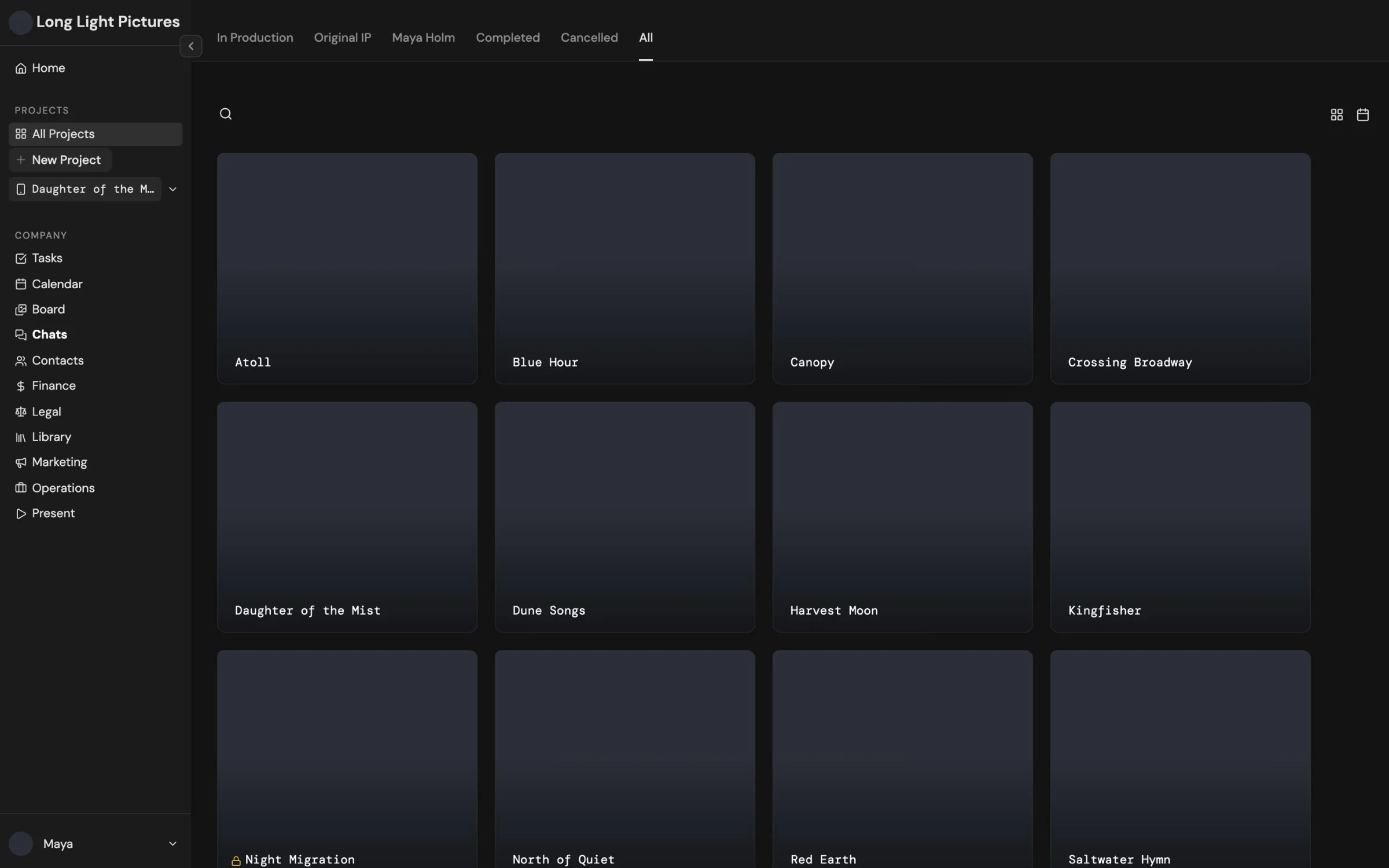
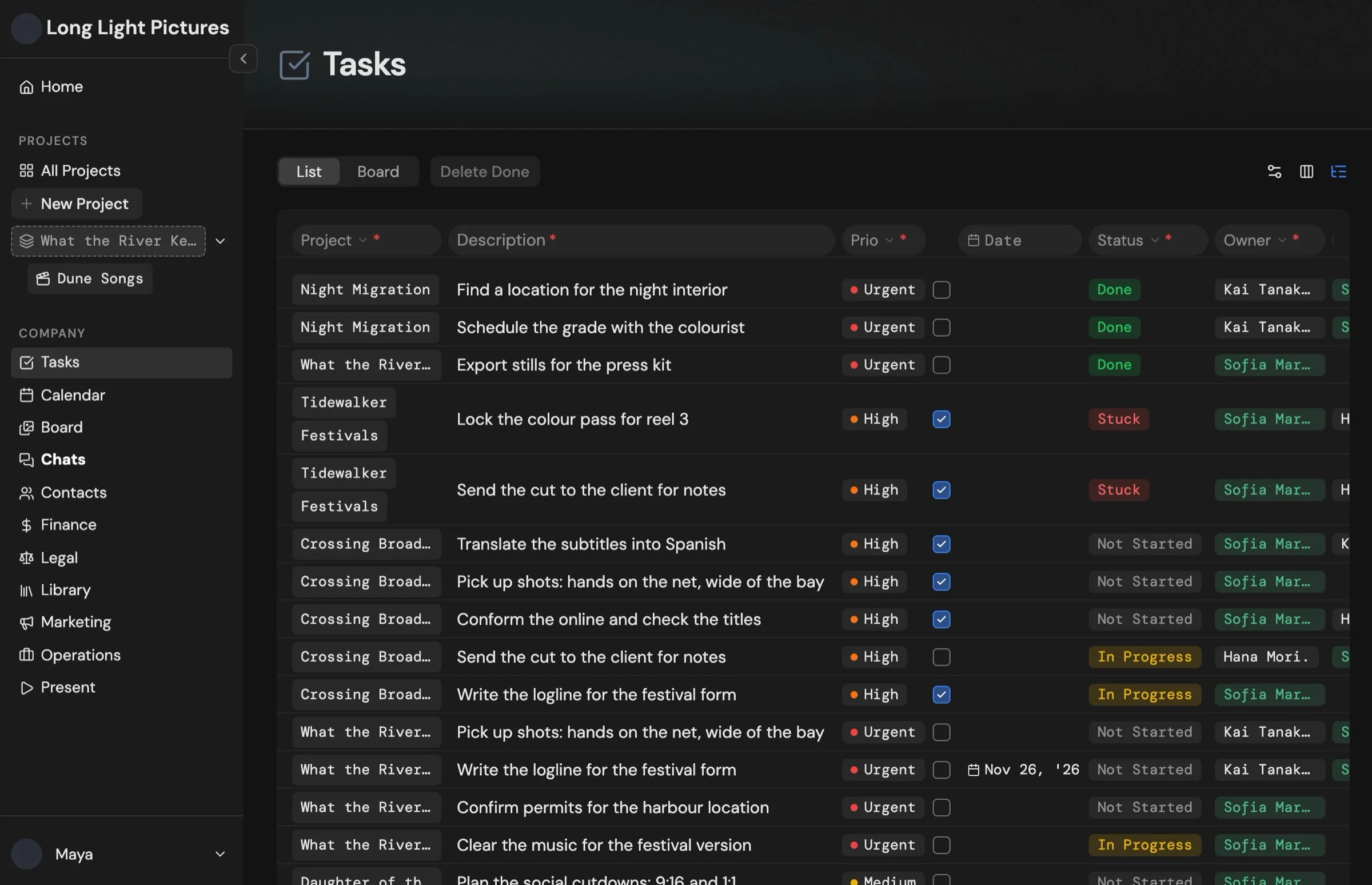
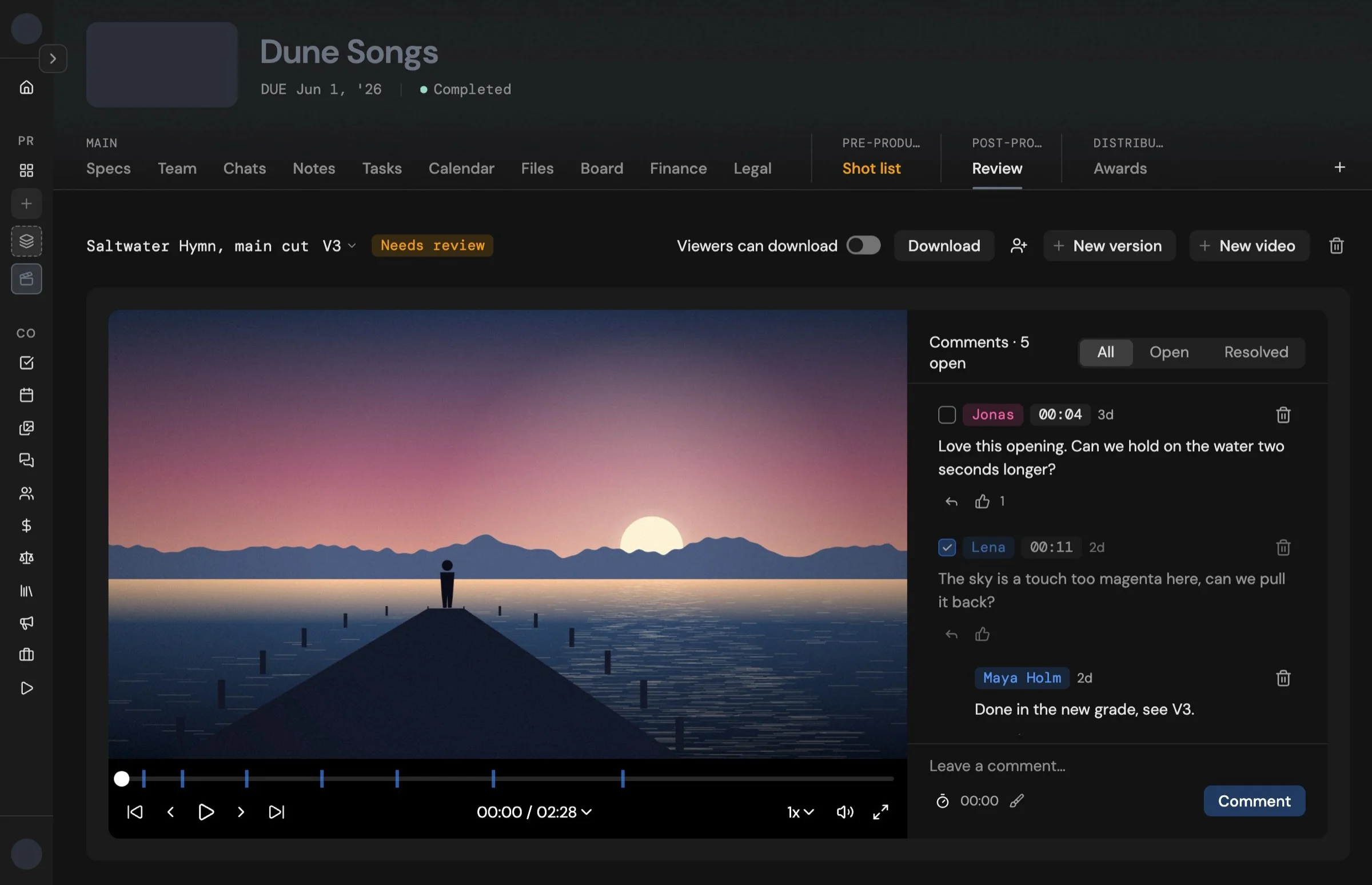
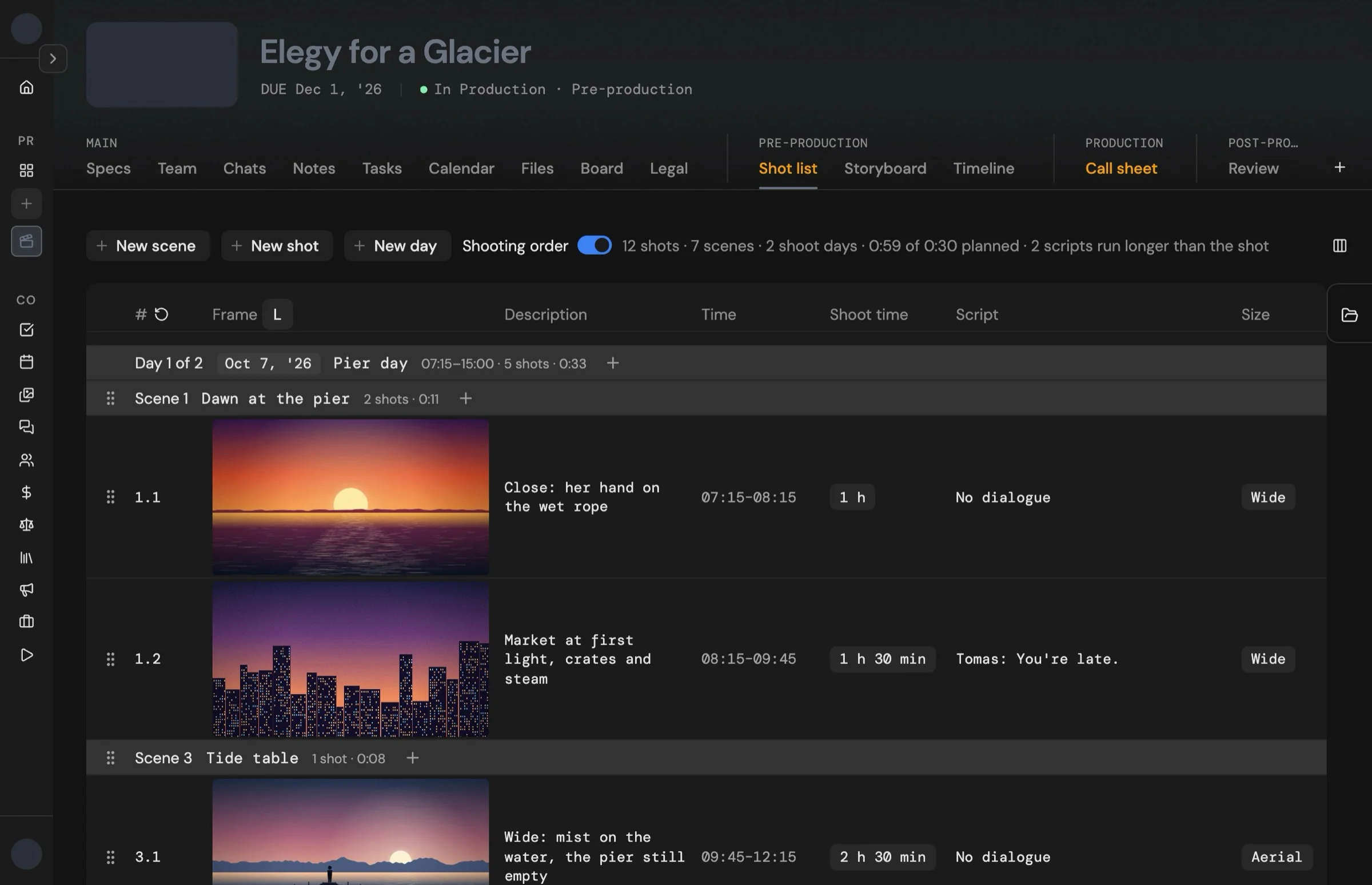
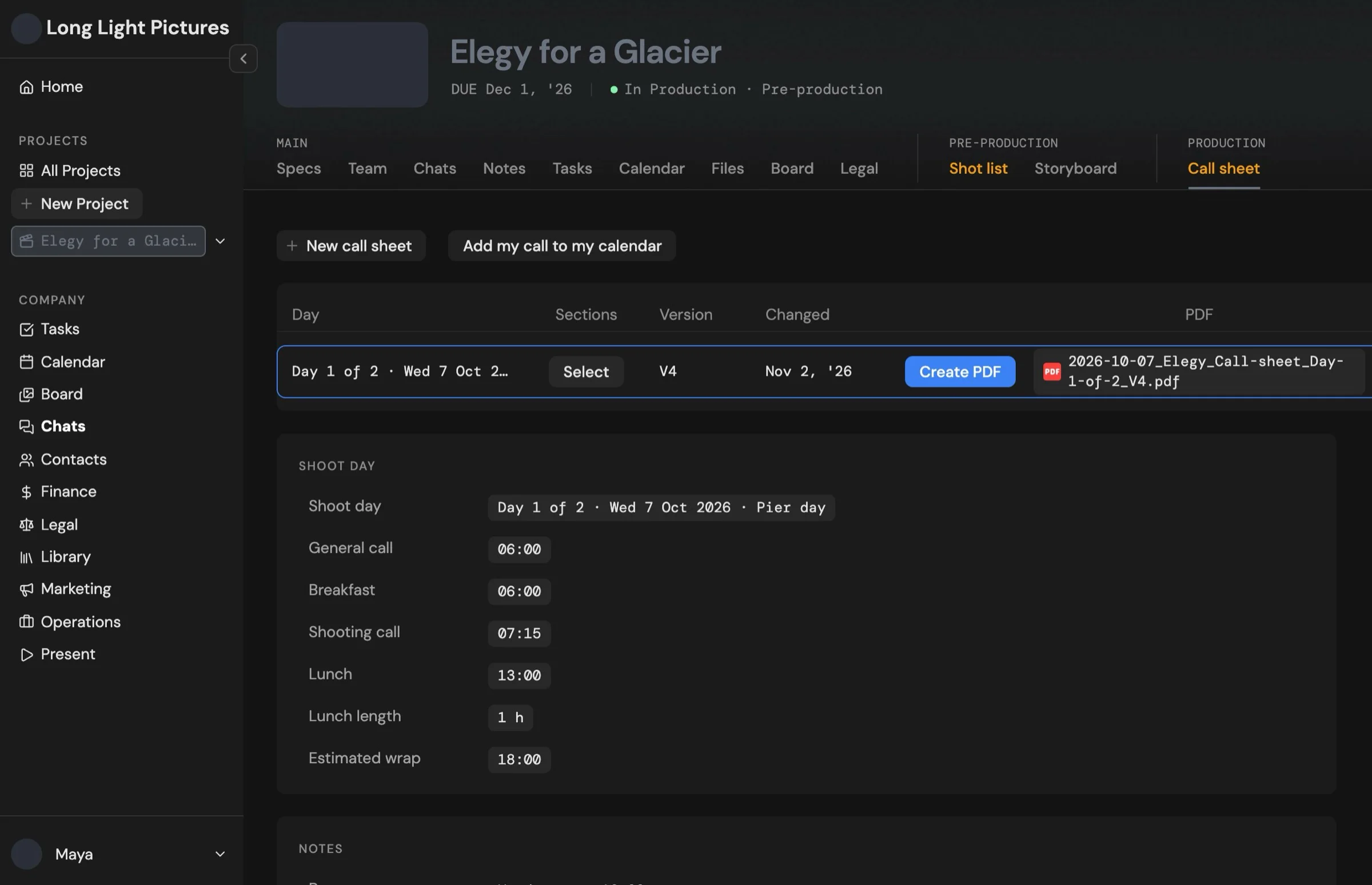


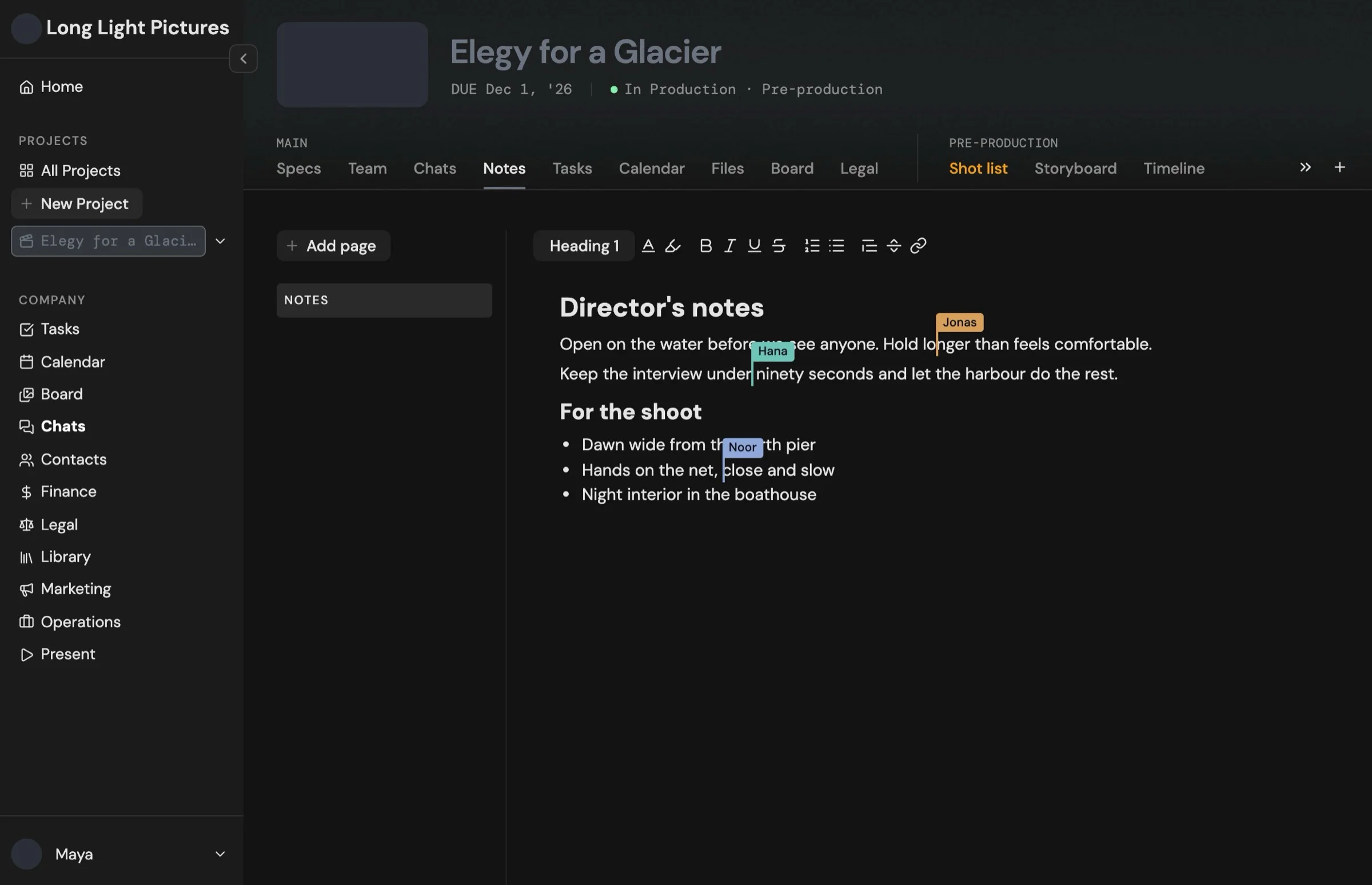
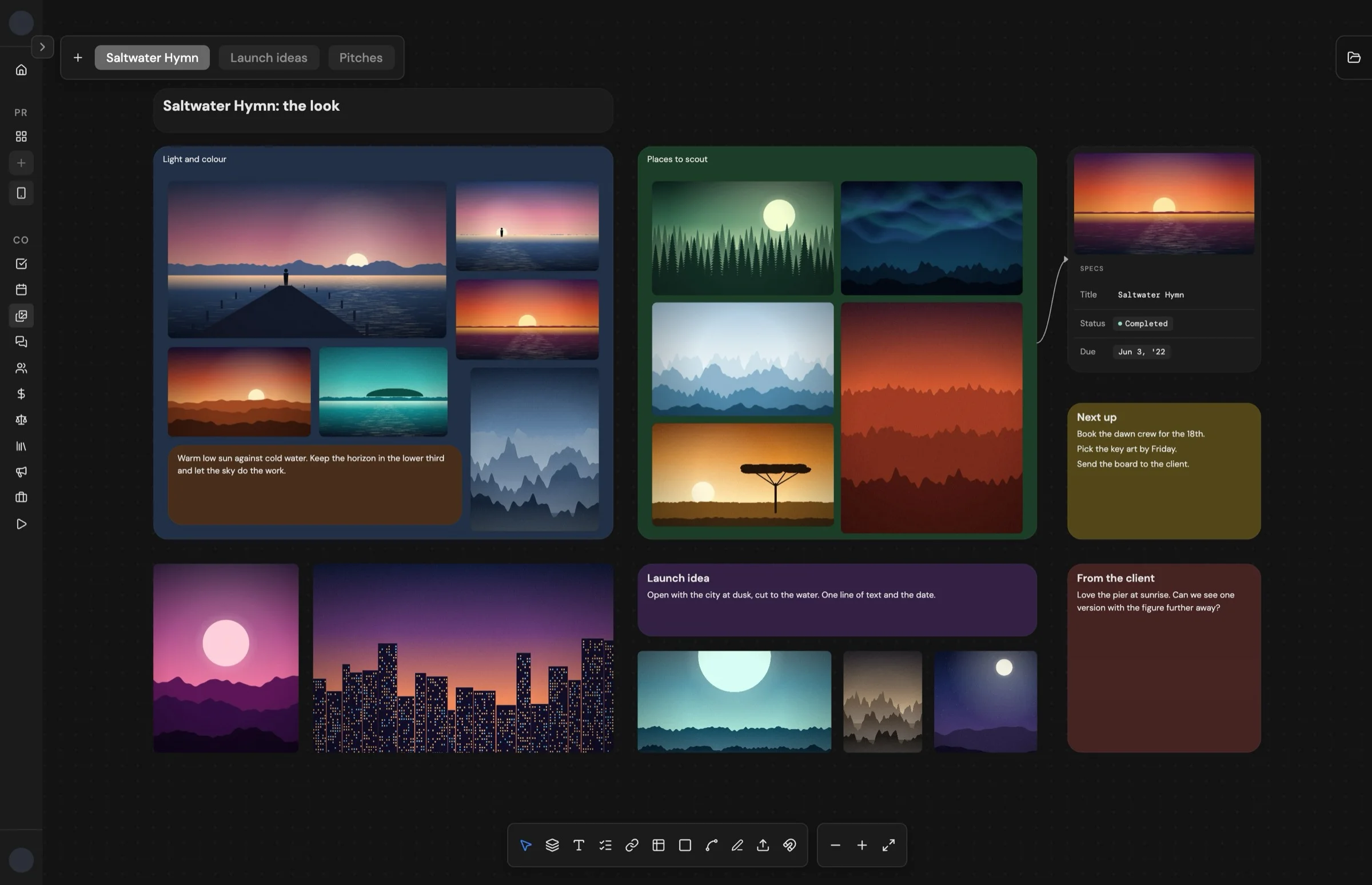
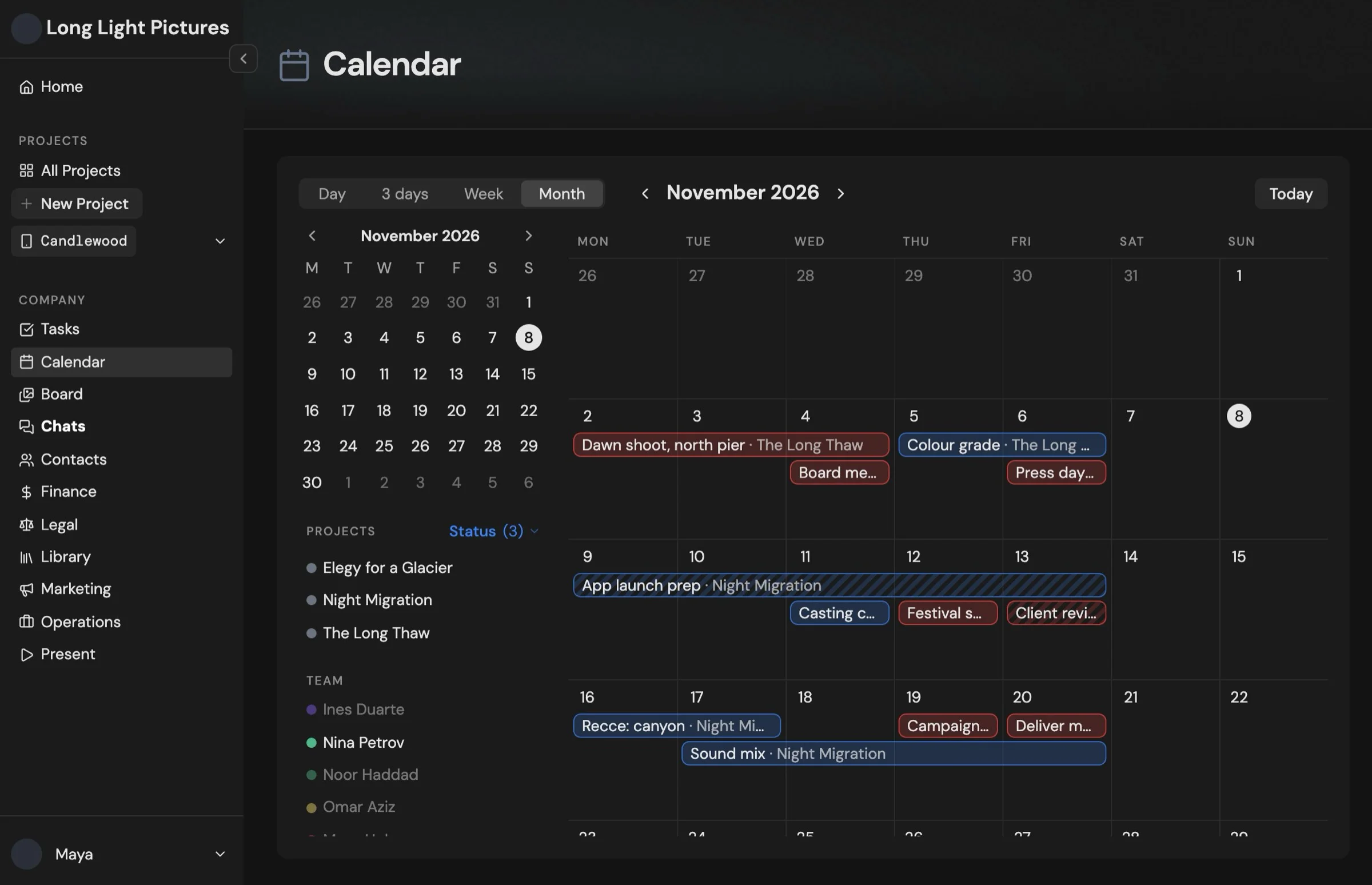
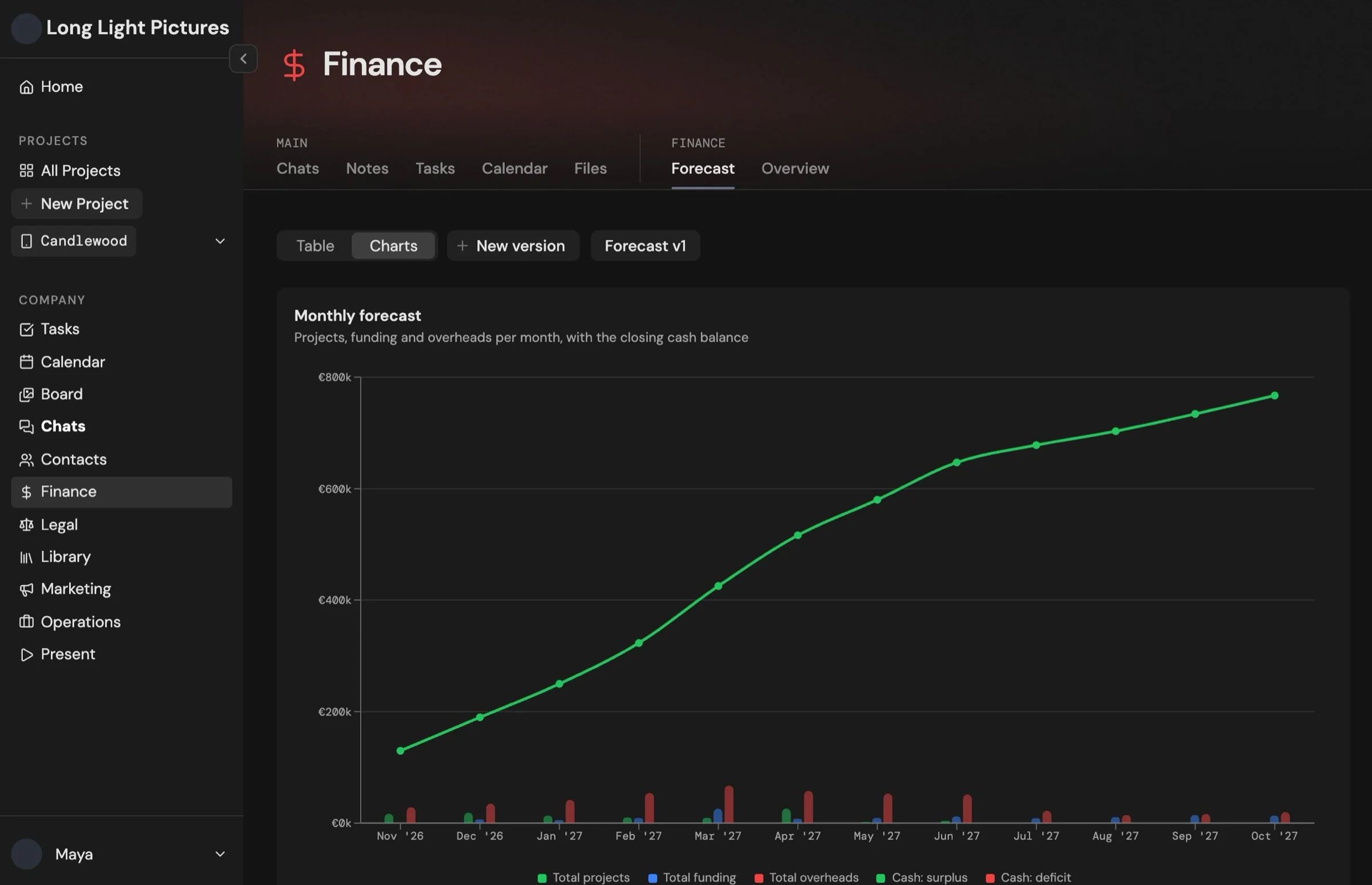


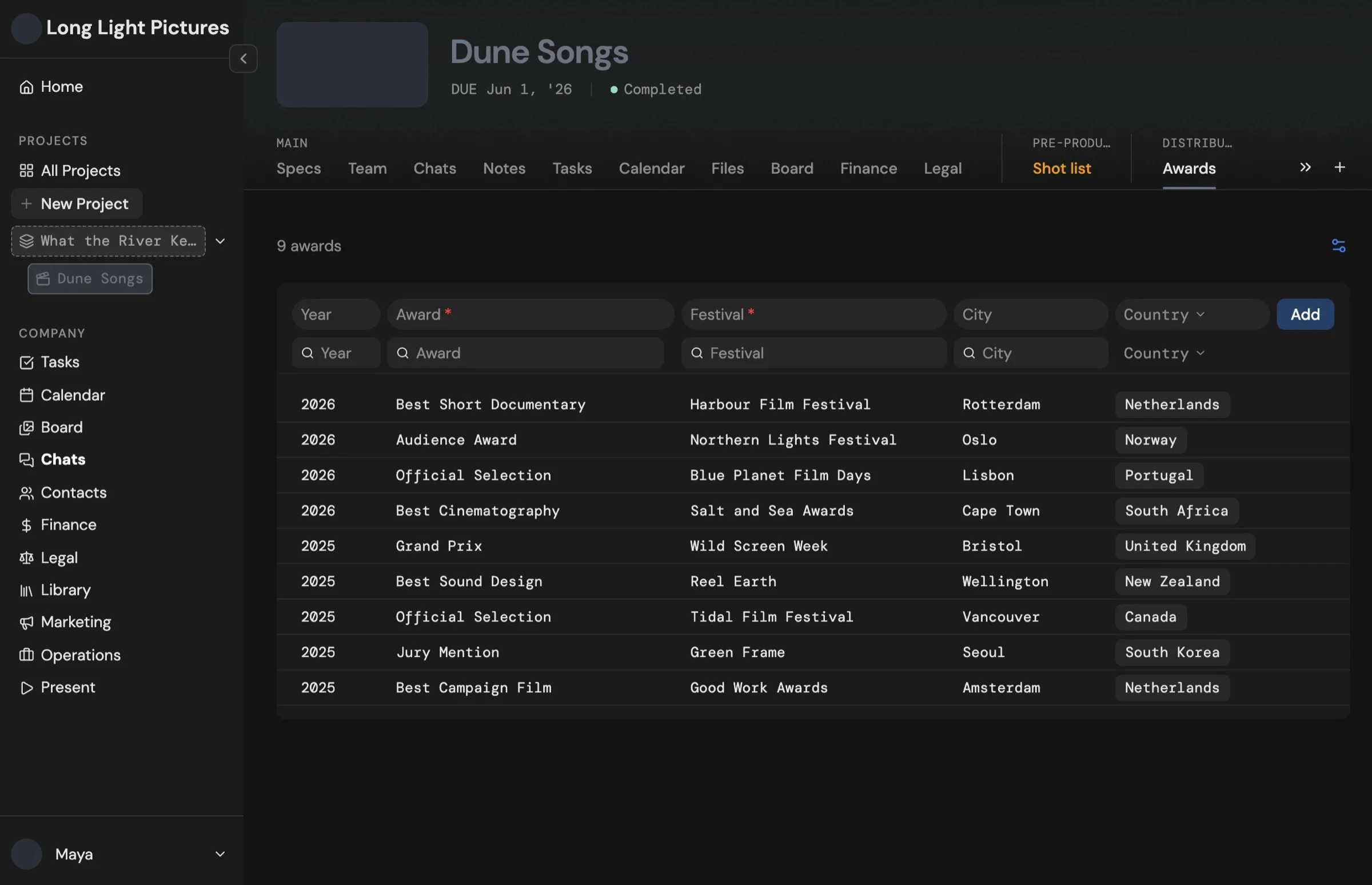

No more switching apps. No more typing it twice.
Elio replaces Slack, Notion, Miro, Milanote, Monday.com, Frame.io and more.
- Input info once, everything follows. Every fact fills your docs, contracts, budgets and call sheets.
- Your files stay yours. Manage them fully in Elio while they stay on your own Google Drive or Dropbox.
- Partners and clients join free. One flat price per company.
Made for every kind of project. From studios to freelancers.
- Films
- Photo shoots
- Events
- Campaigns
- Design
- Podcasts
- Commercials
- Theatre
- Apps and games
- Documentaries
- Exhibitions
- And more..
Built for every role in production. Pick yours to see your tools.





There’s much more in Elio.
See all featuresChat right where the work is.
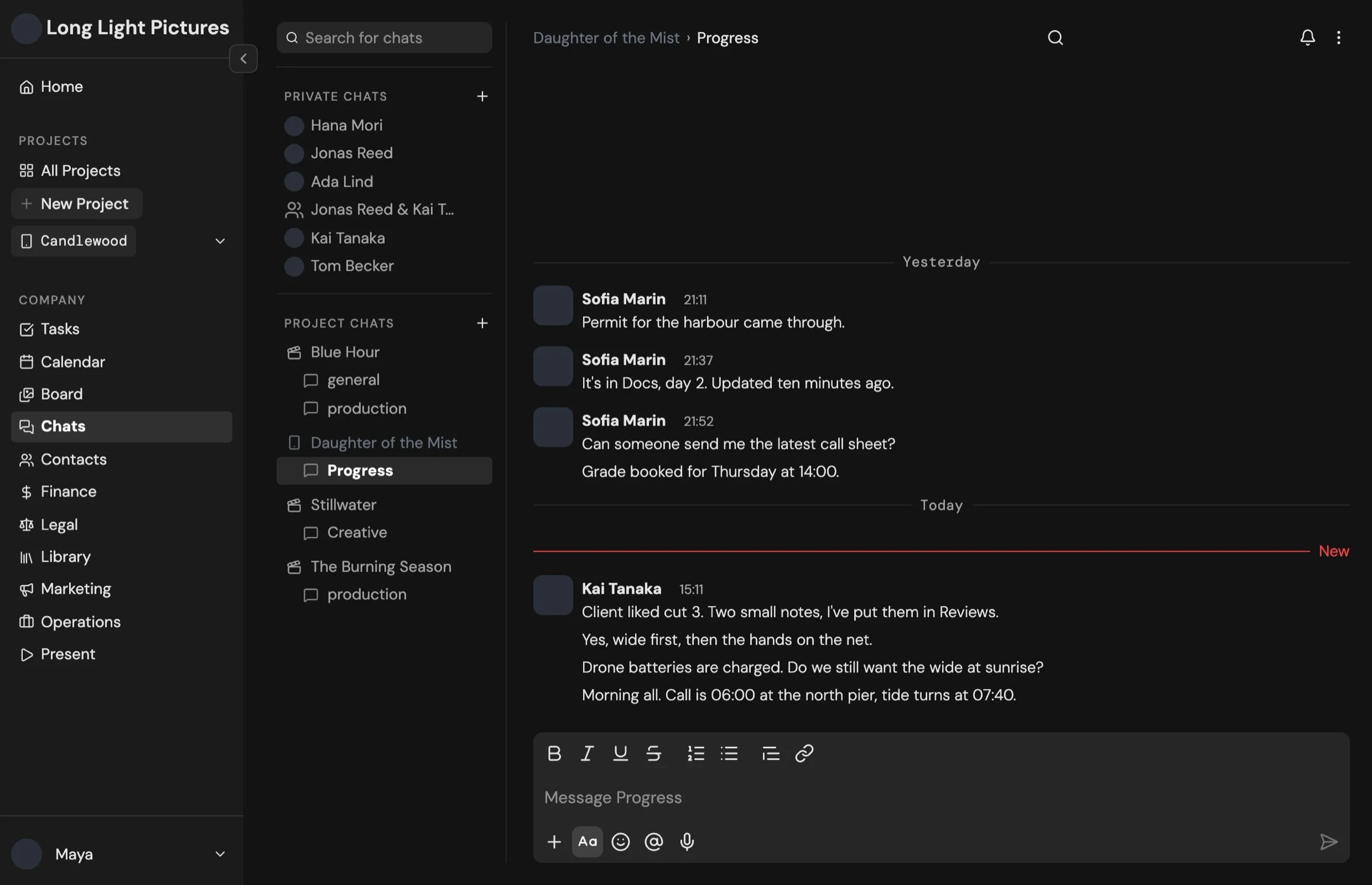
Every project has its own chat, or message any teammate directly. Keep it open beside any page, or go full screen.
- Video calls from any chatStart a call right from the reply box, and everyone can join with one click.
- Voice messagesRecord one when typing is too slow, and transcribe it to text in one click. Threads, reactions and @mentions are there too.
- Drag files straight inDirectly from an Elio board, your computer or Drive. A chat’s files automatically save to its own Drive folder.
Hey, join me on this call.
Here is the image we discussed.
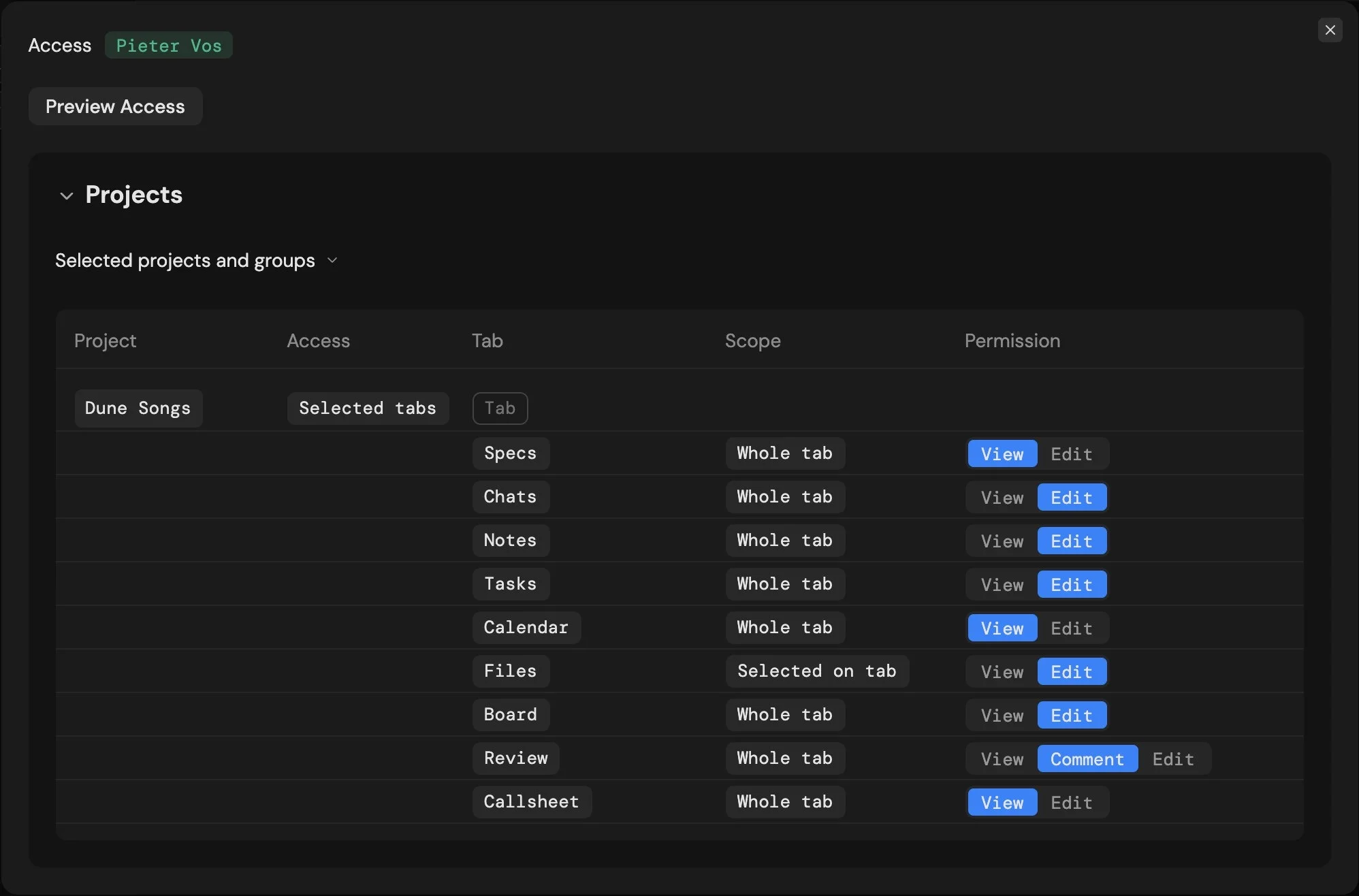
Set still 04.jpgYou decide who sees what.
Every person gets exactly the access they need, project by project and tab by tab.
Your files stay yours.
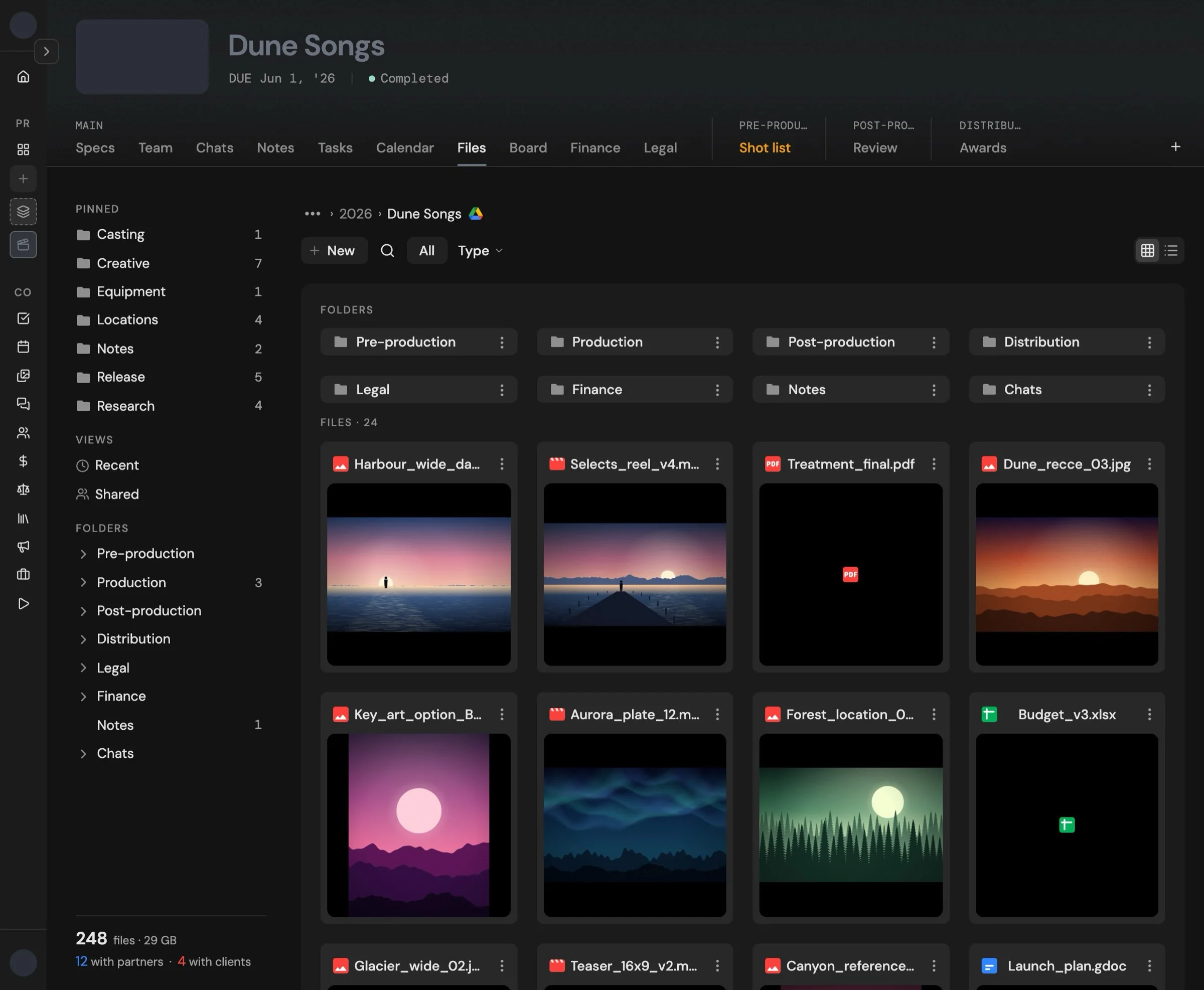
Manage every file right inside Elio. It’s a live window onto your company’s own Google Drive or Dropbox.
- Yours, even if you leave. Leaving Elio never means losing a single file.
- Organized from day one. Every project gets a folder structure from a template made for its specific type.
- Drag it into Elio. Drop a file in and it automatically uploads to the correct folder in your storage.
- Links belong here too. Add YouTube links, Canva boards and more, and preview them live inside Elio.
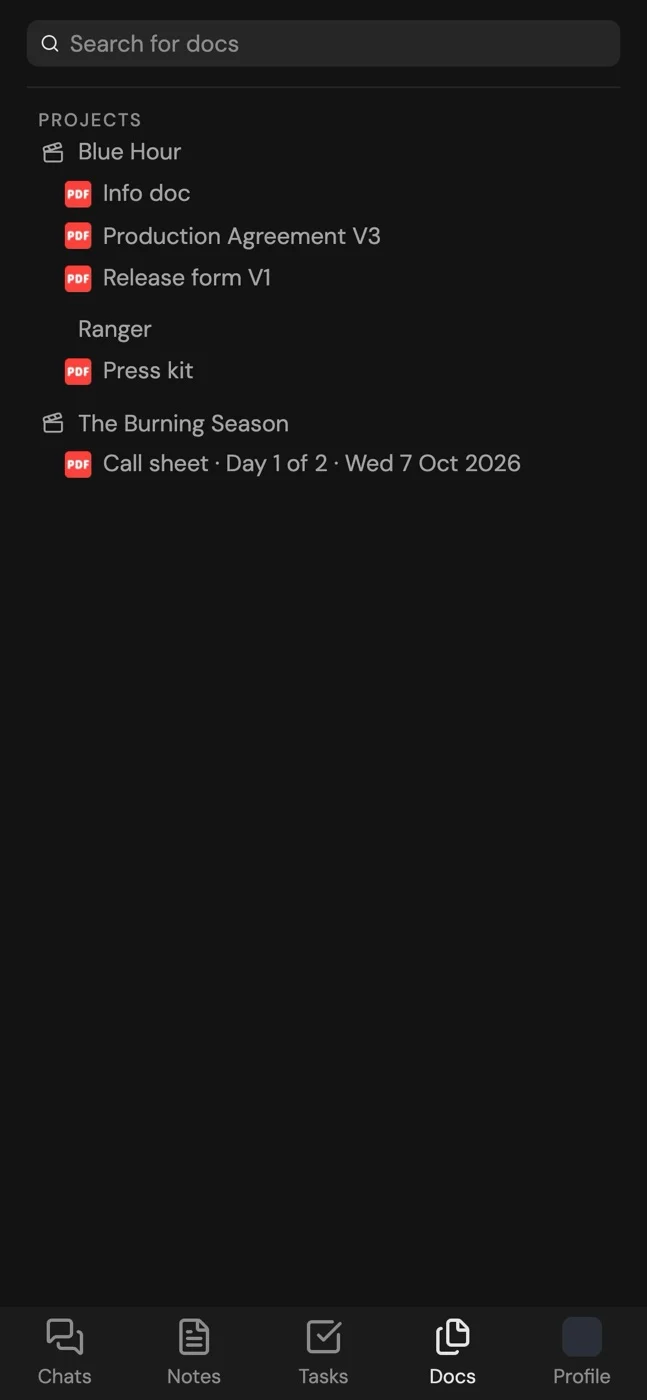
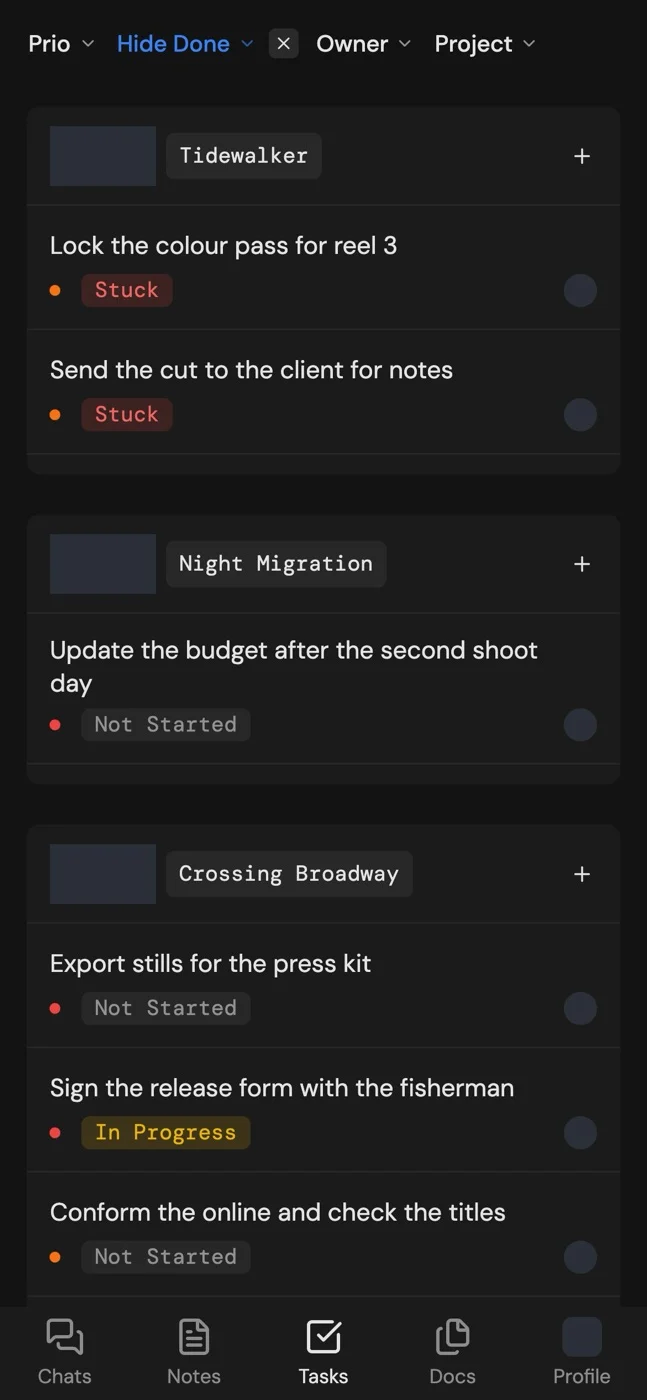
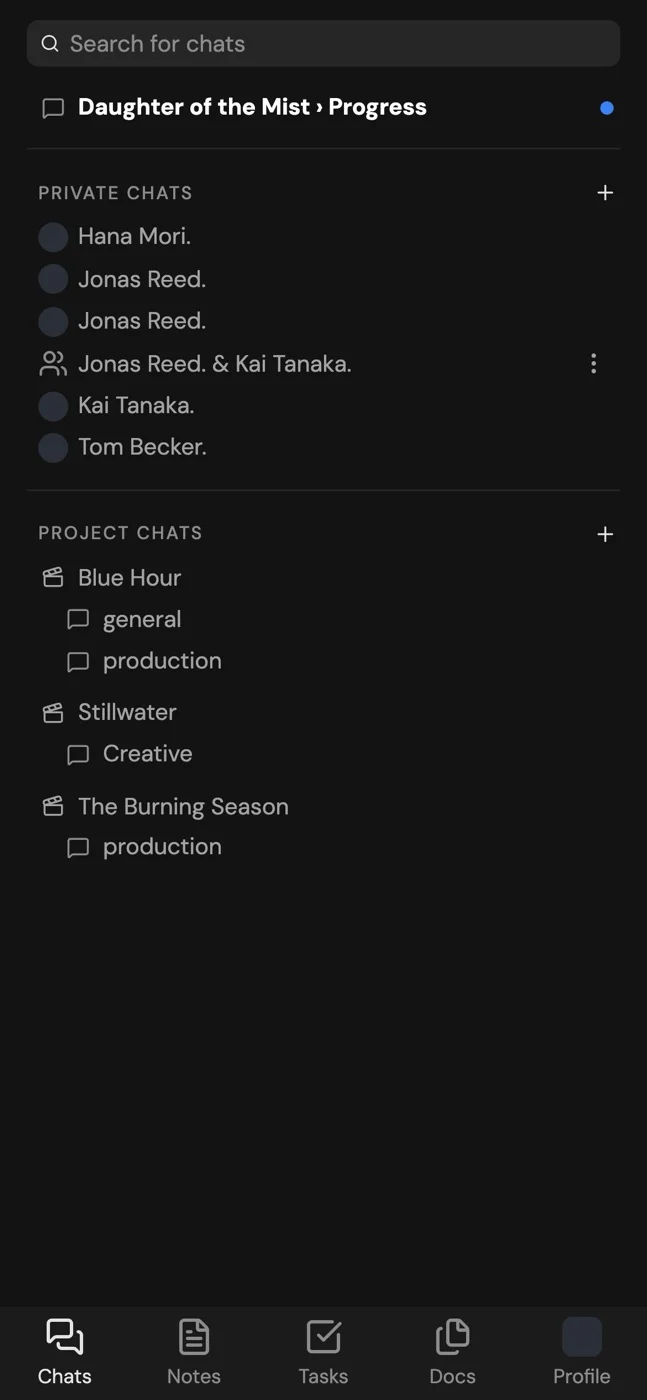
The production office fits in a pocket.
Elio is available on your phone, making your workspace mobile. Call sheets, tasks and chats: tap Add to Home Screen and it's there.
Used by creative teams.
A real quote from someone who uses Elio goes here, in their own words. This one is a longer example, to show how a long quote folds: it could start with how the team worked before, spread over chat apps, shared drives and spreadsheets that nobody kept up to date. Then it might walk through the first project they ran in Elio, from the treatment and the mood board to the call sheets on the shoot days and the comments in the final review. And it could end with what changed for them, their partners and their clients once everything was in one place.
A real quote from someone who uses Elio goes here, in their own words, from a partner or client who joined a project for free and found what they needed straight away. A longer quote can go on for a few sentences: what they used before, what they tried first in Elio, and what changed for their team, partners and clients. The first four lines show, and the rest opens with a click.
A real quote from someone who uses Elio goes here, in their own words, about a shoot day: call sheets, times and changes reaching everyone. A longer quote can go on for a few sentences: what they used before, what they tried first in Elio, and what changed for their team, partners and clients. The first four lines show, and the rest opens with a click.
A real quote from someone who uses Elio goes here, in their own words, about review: comments at the exact moment in the cut, and sign-off. A longer quote can go on for a few sentences: what they used before, what they tried first in Elio, and what changed for their team, partners and clients. The first four lines show, and the rest opens with a click.
A real quote from someone who uses Elio goes here, in their own words, about money: budgets, invoices and the forecast in one place. A longer quote can go on for a few sentences: what they used before, what they tried first in Elio, and what changed for their team, partners and clients. The first four lines show, and the rest opens with a click.
A real quote from someone who uses Elio goes here, in their own words, about switching: how moving their projects into Elio went. A longer quote can go on for a few sentences: what they used before, what they tried first in Elio, and what changed for their team, partners and clients. The first four lines show, and the rest opens with a click.
Questions, answered.
Yes. Elio connects to your company’s own Google Drive or Dropbox and works as a live window onto it. Your files stay where they are, and what you add or move in Elio shows up in your storage.
Yes. Elio is on your phone as well, so call sheets, tasks and chats are with you on set, a tap away.
Yes, Elio is made for small teams. It takes the cumbersome tasks off your plate, from call sheets to budgets and contracts, and keeps the whole workflow in one place, so a few people can run a lot of production.
Very well. Role-based permissions let you give every person exactly the access they need, and Elio handles many projects running at the same time, side by side.
No. Clients get a link that’s free for them, and they don’t need an account. They see and review only the information you choose to share with them.
Nothing. Your files live in your own Google Drive or Dropbox the whole time, so leaving Elio never means losing a single file.
Per company: one flat price for your team, and partners and clients are free on every plan. You can start free with one person and two projects.
Your entire workflow, connected.
Free for one person and two projects. Partners and clients are free on every plan.